
DBVibe only saves license-related data, such as the license email, license key, plan, activation status, renewal timestamps, and a one-way private hashed device identifier used for license management.
Database Management
Tool for the AI Era
A unified GUI client for every database you work with — SQL, NoSQL, and beyond. Connect, explore, and let AI manage your database through a local MCP server.
MySQLPostgreSQLSQLiteMariaDBDuckDBClickHouseSQL ServerOracleDB2MongoDBRedisElasticsearch+ more
DBVibe Agent
External agents: Claude, Codex, Cursor, etc.
Supports a whole set of SQL, analytical, and NoSQL databases and more















Unified Interface
One app for every database you work with
Stop context-switching between a dozen tools. DBVibe gives you a single, polished interface that works identically across all your databases — relational, document, key-value, and search engines.
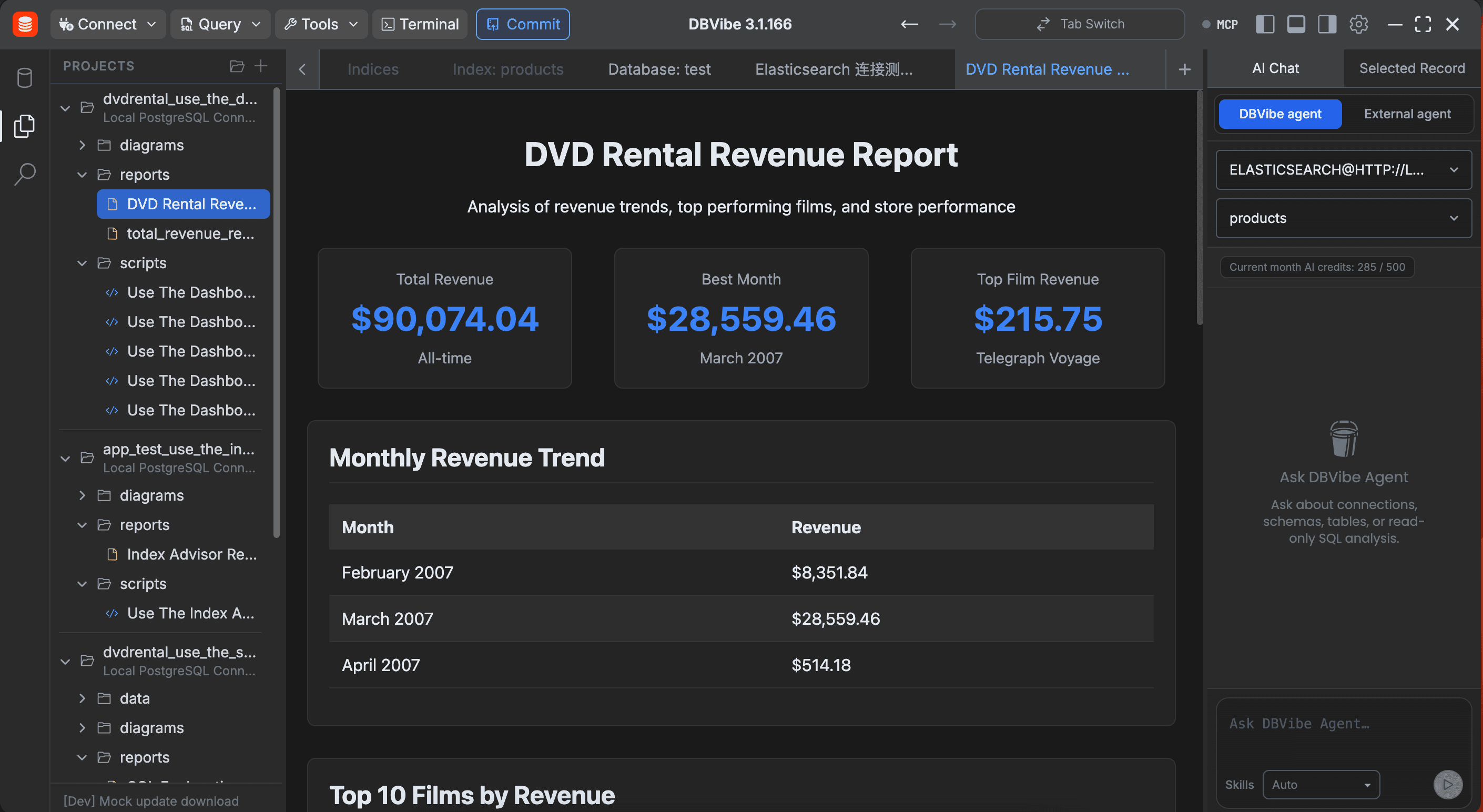
AI Capacity
Clear AI capacity for agents
inside and outside the app
Use DBVibe Agent in AI Chat or connect external tools through MCP. Each edition includes monthly AI capacity with permission prompts before database queries run.
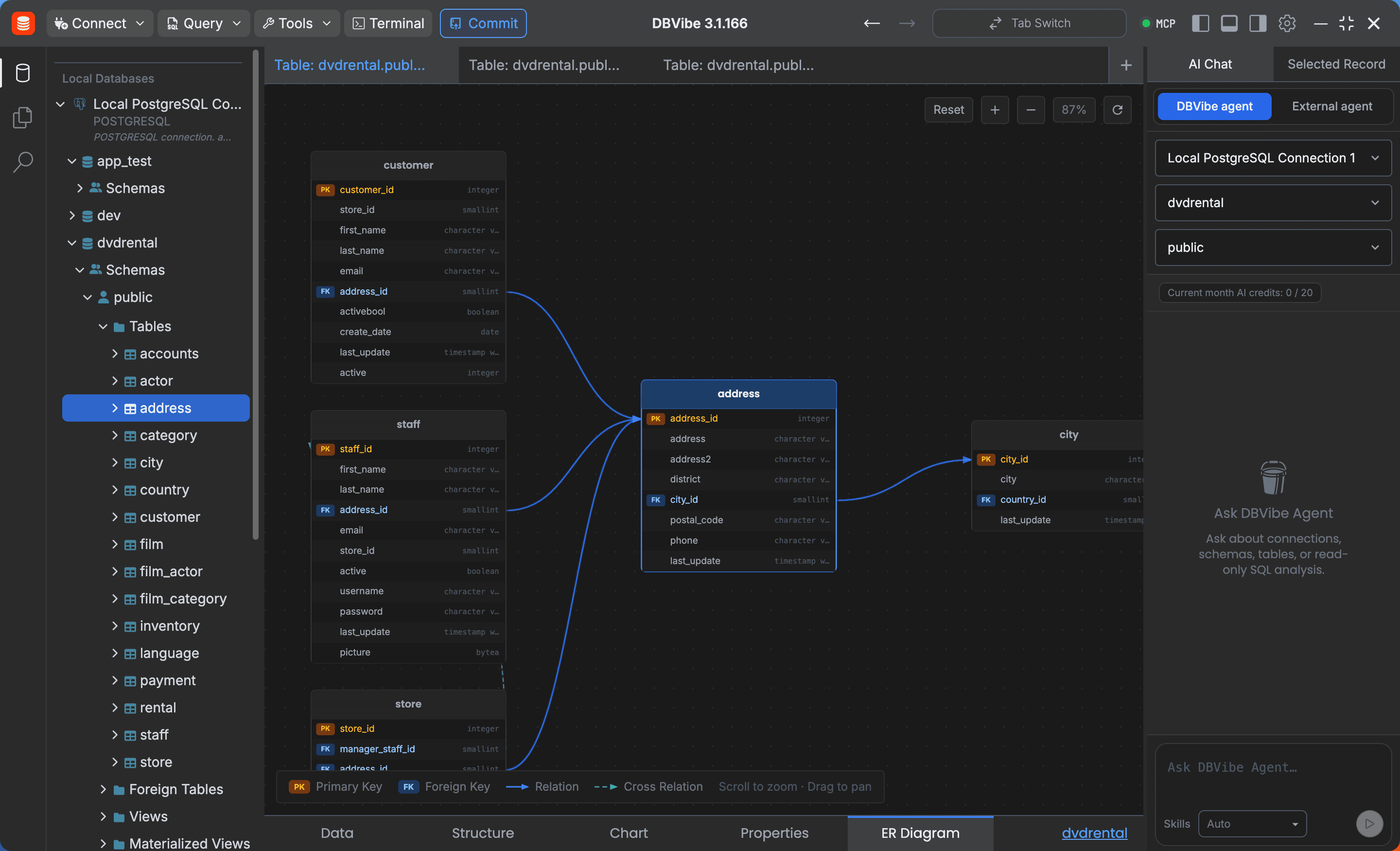
ER Diagram
Elegant schema visualisation
at a glance
Understand your database structure instantly. DBVibe renders a beautiful, interactive ER diagram directly from your live schema — no external tools required.
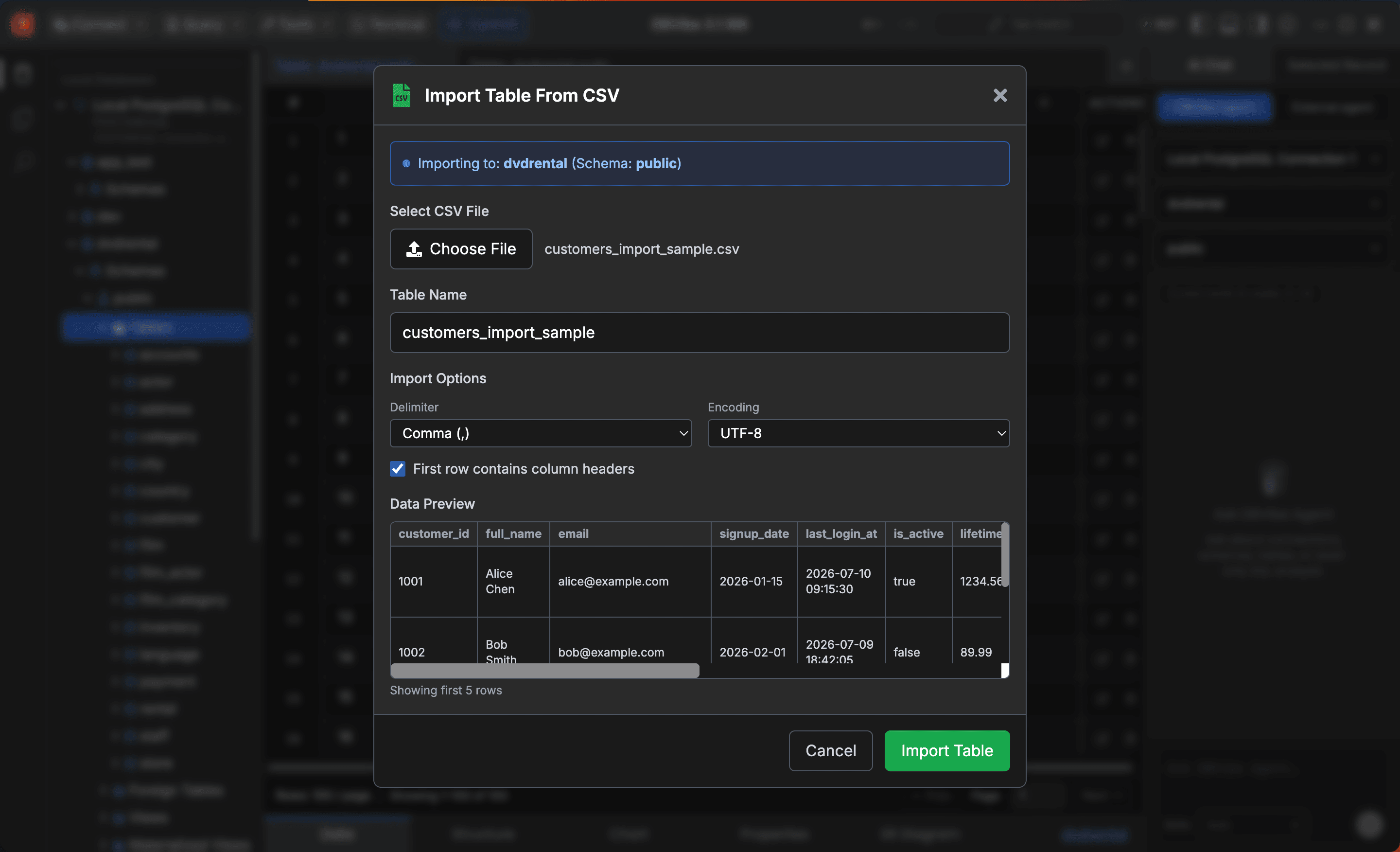
CSV Import & Export
Move data in and out effortlessly
Importing a CSV into a database table or exporting query results should take seconds, not hours. DBVibe makes both workflows fast, visual, and error-free.
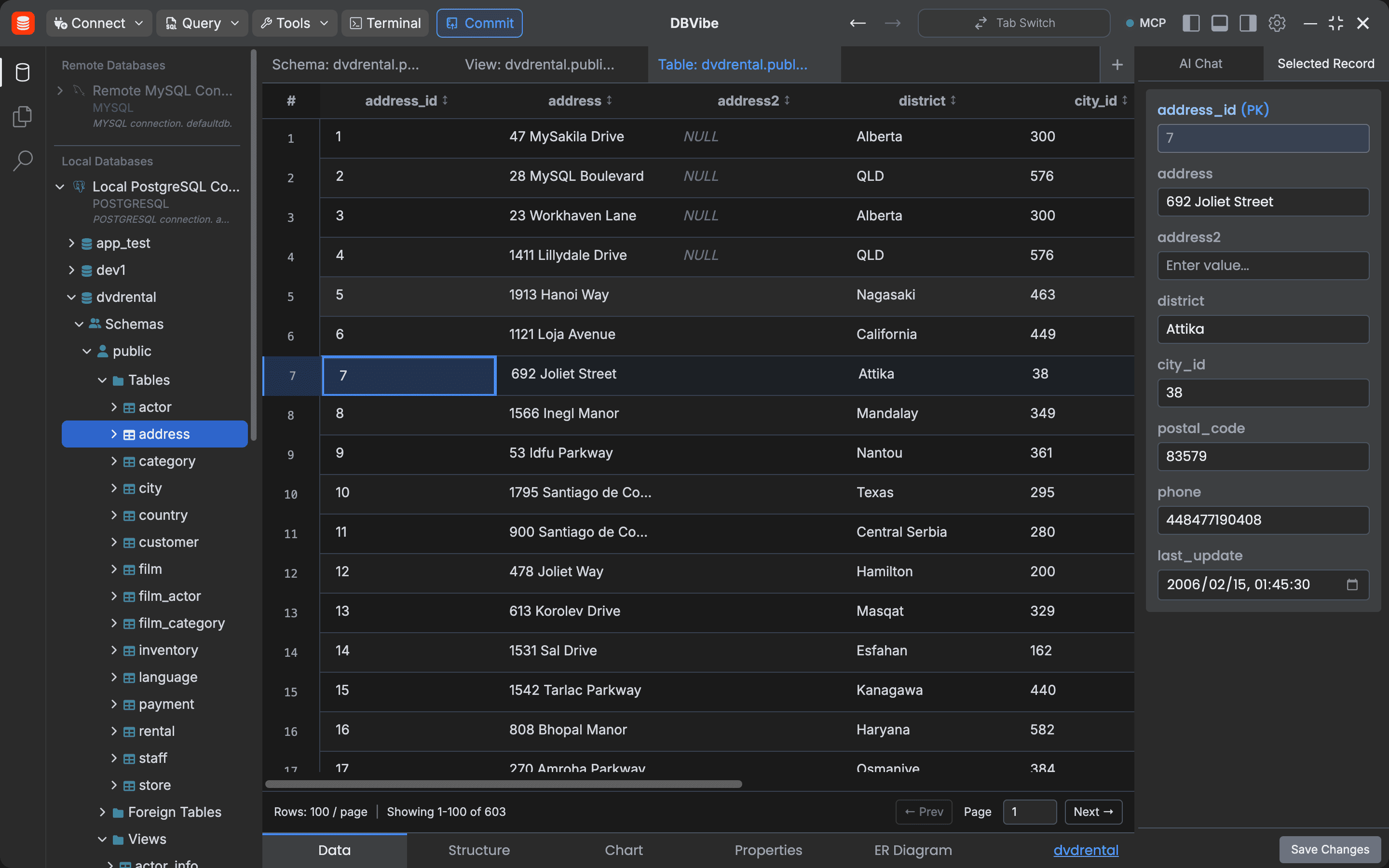
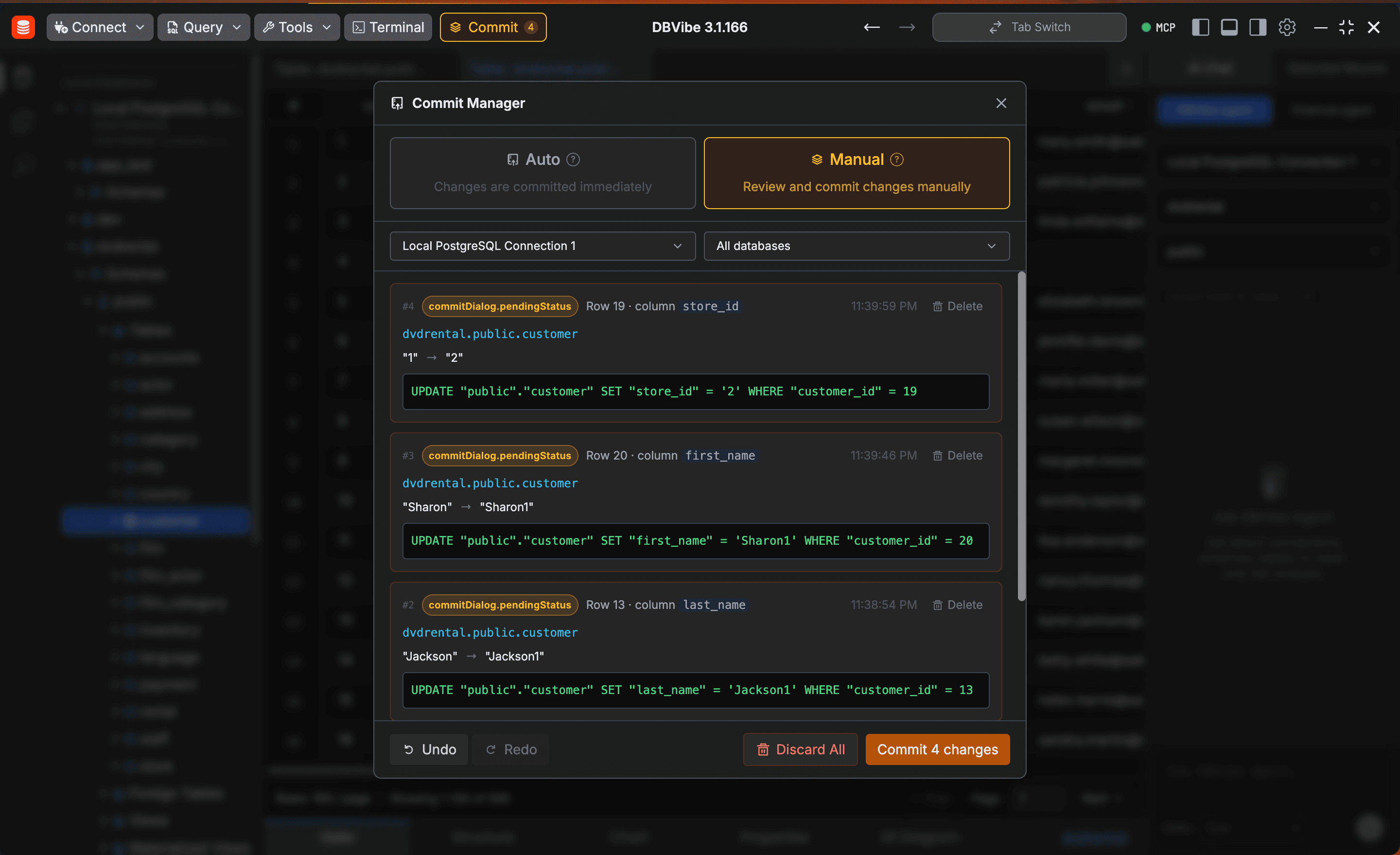
Batch Commit
Edit freely, commit when ready
Make as many row-level changes as you need — inserts, updates, and deletes — then review the full diff and push everything to the database in a single atomic commit. No accidental partial writes, no lost edits.
FAQ
Privacy, database access, and network FAQ
DBVibe is designed for local-first database workflows with explicit permission boundaries.
No. Database data stays under your control. Each query requires a permission grant by default before DBVibe or an agent workflow can run it.
Only license activation needs network access. Free local workflows do not require license activation, and local database work can run without network access after activation.
Want to see DBVibe in action?
Download DBVibe for macOS, Windows, and Linux. Pick the package that matches your device architecture and installation preference.
macOS
Choose the build that matches your Mac processor.
Windows
Installable builds for modern PCs, ARM devices, older 32-bit systems, and portable use.
Linux
Choose AppImage for portable use or .deb for Debian/Ubuntu-based distributions.